Change Clinics / Books
|
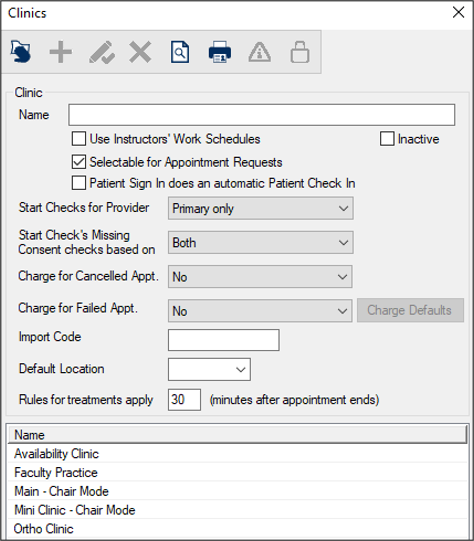
When working in the Scheduler, you may need to change which dental clinic and/or book you are viewing. Note: Books are not applicable when working in Availability mode.  Change Clinics Change Clinics
Note: The (
Note: Depending on your role, you may also be able to add, modify, or delete clinics. In most cases, these options will be disabled via PowerAdmin. Change Books
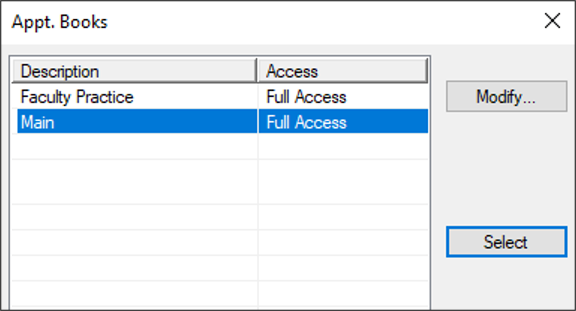
Books are only applicable for clinics that use Book mode to schedule appointments. There are two types of books you can work with when a clinic is set to Book mode:
Example: An Emergency Clinic has three chairs, each displayed as a column and appointments are scheduled into each chair. Example: A faculty practice lists six provider codes, each displayed as a column and appointments are scheduled below them. If necessary, you can change the book to layout and view appointment information differently. To change books:
Note: The (
Note: Depending on your role, you may also be able to access the Books window from the Modify… button and add, modify, or delete books. In most cases, this button will be disabled via PowerAdmin. Important: The contents of the Active tab do not change. |
 ) icon to display the Clinics window.